Read your Bible before you scroll.
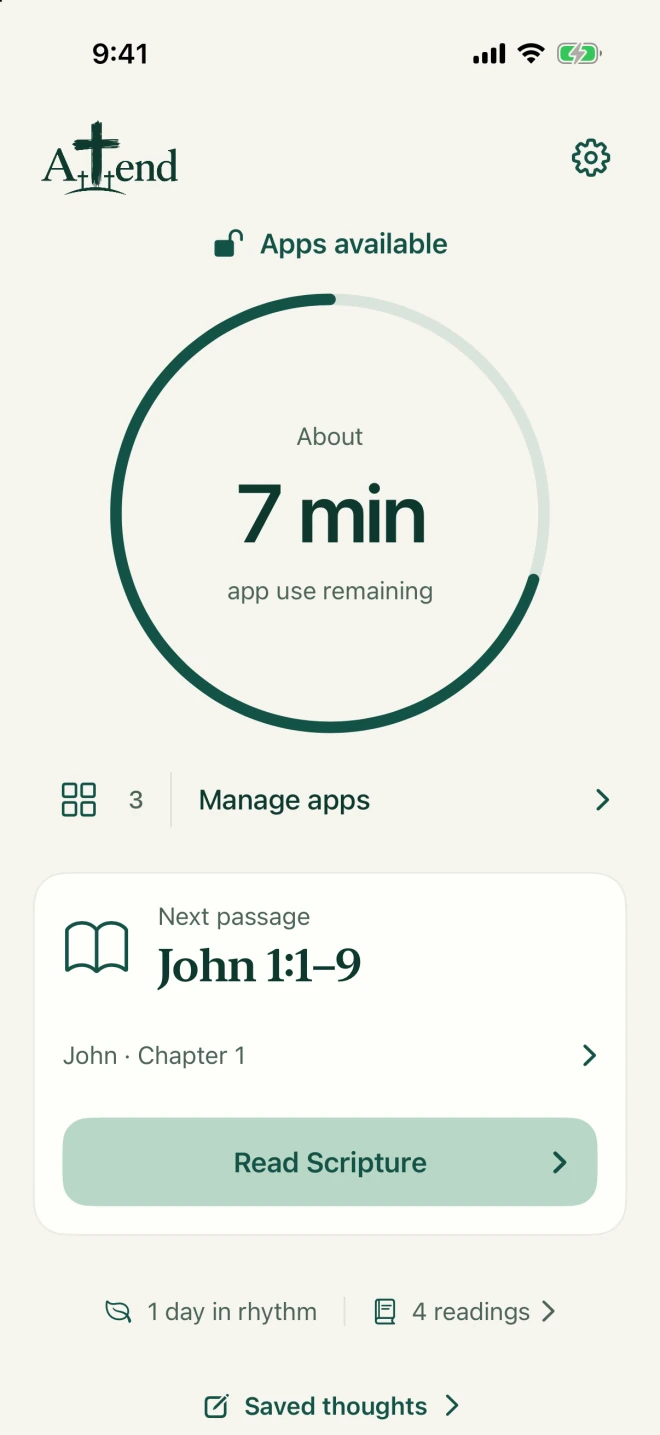
Attend pauses the apps you choose. Read a Bible passage, then get 10 minutes of access.
Completely free
For iPhone · iOS 17.4 or newer
Why I made Attend
I’m Kai. I made Attend because I kept scrolling Instagram and wanted to read my Bible more. I wanted an app that would help me do both.
How it works
Choose which apps to pause.
Select apps, categories, or websites using Screen Time.
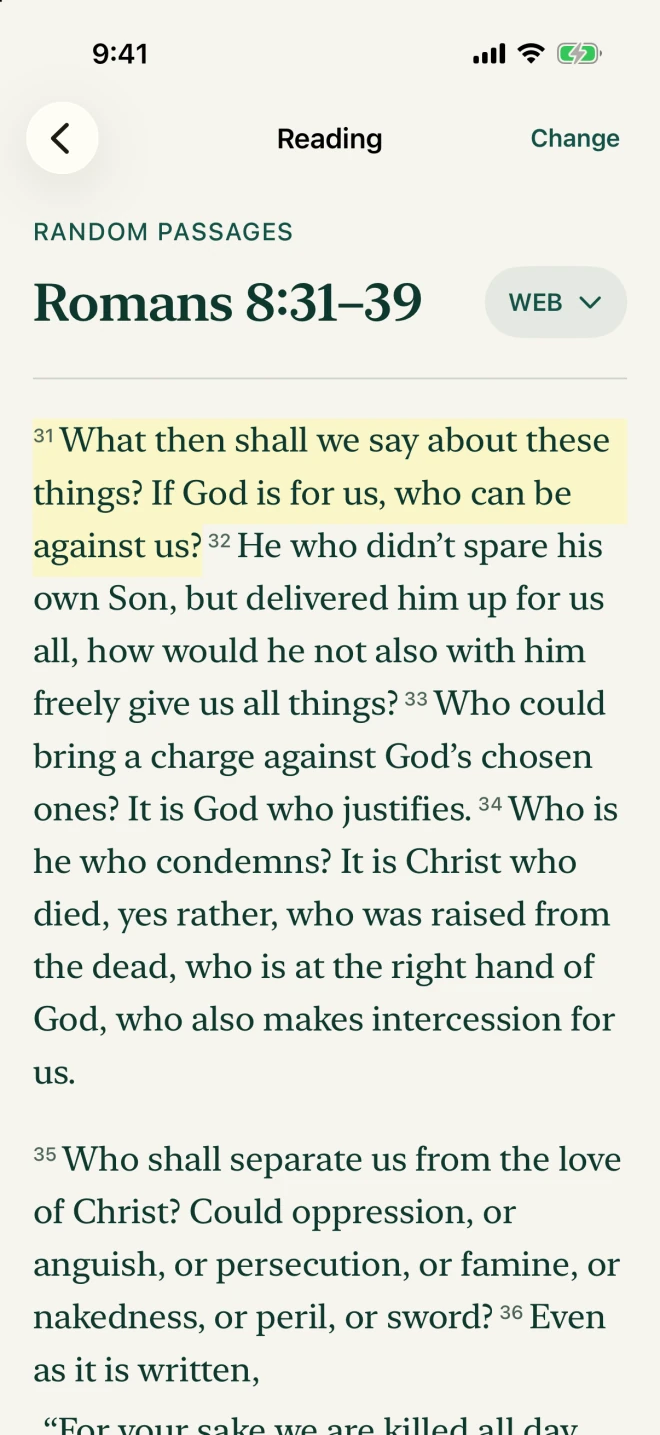
Read a Bible passage.
Read a short passage. Add a reflection if you want.
Get 10 minutes of access.
When you finish, your selected apps are available for 10 minutes of use. Attend pauses them again when that time is used.
Choose what you read.
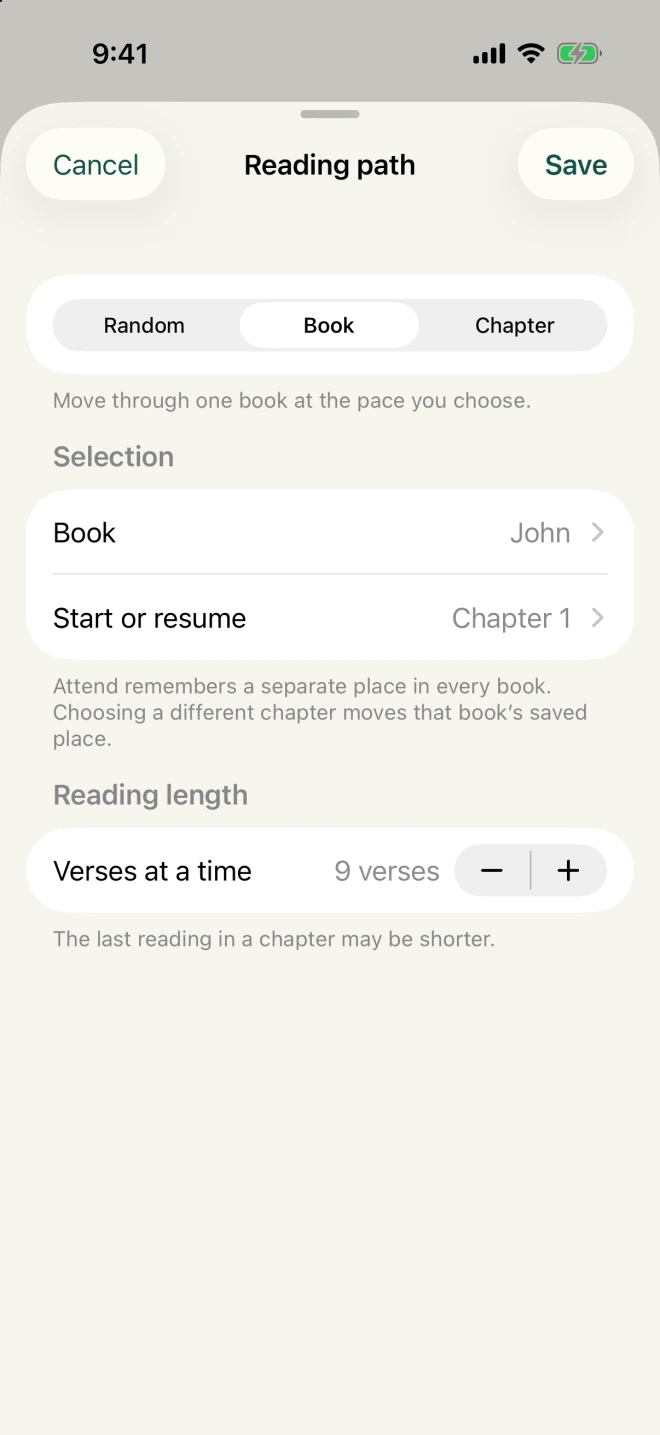
Follow a book, return to a chapter, or read a random passage. You can choose how many verses to read, too.
Your YouVersion highlights, too.
Connect your YouVersion account to save and see your highlights in Attend. Connecting is optional and needs internet access. The Bible editions included with Attend work offline.

No ads or tracking. Your reading progress stays on your iPhone. You don’t need an account to read; connecting YouVersion is optional. Read the privacy policy.